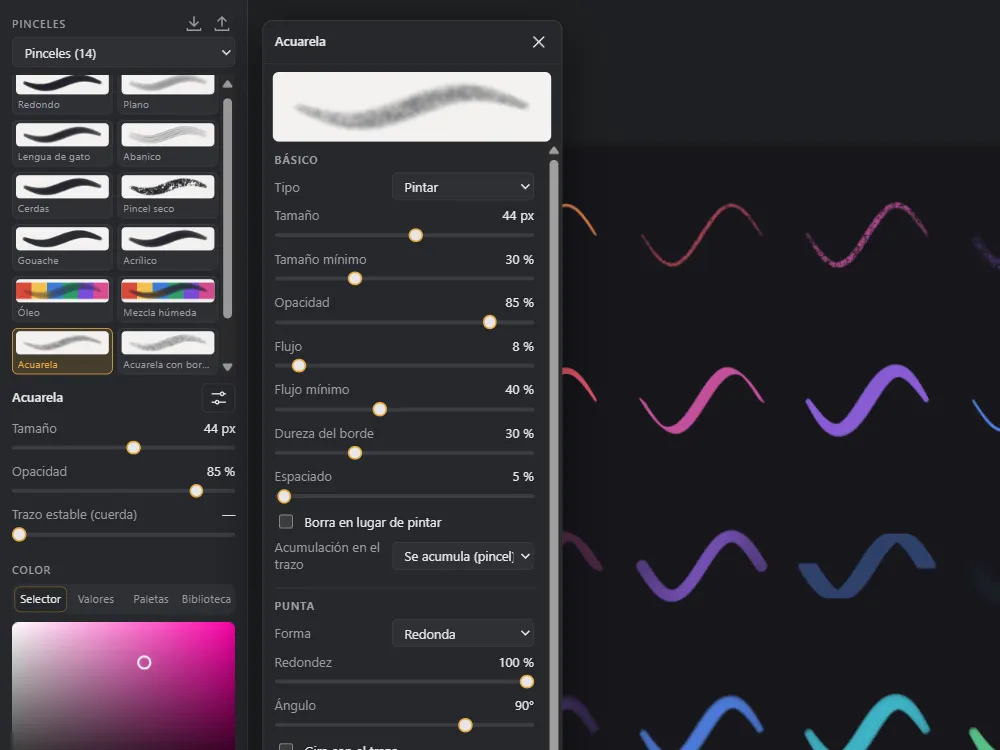
103 brushes
Pencils, inks, markers, airbrushes, oil, watercolor, textures, blending and effects. Every brush is fully adjustable and you can save your own.
Free · Windows and Mac
A fast, distraction-free drawing app: brushes that respond to pen pressure, layers, perspective guides, symmetry and animation. No account, no ads and nothing to pay.
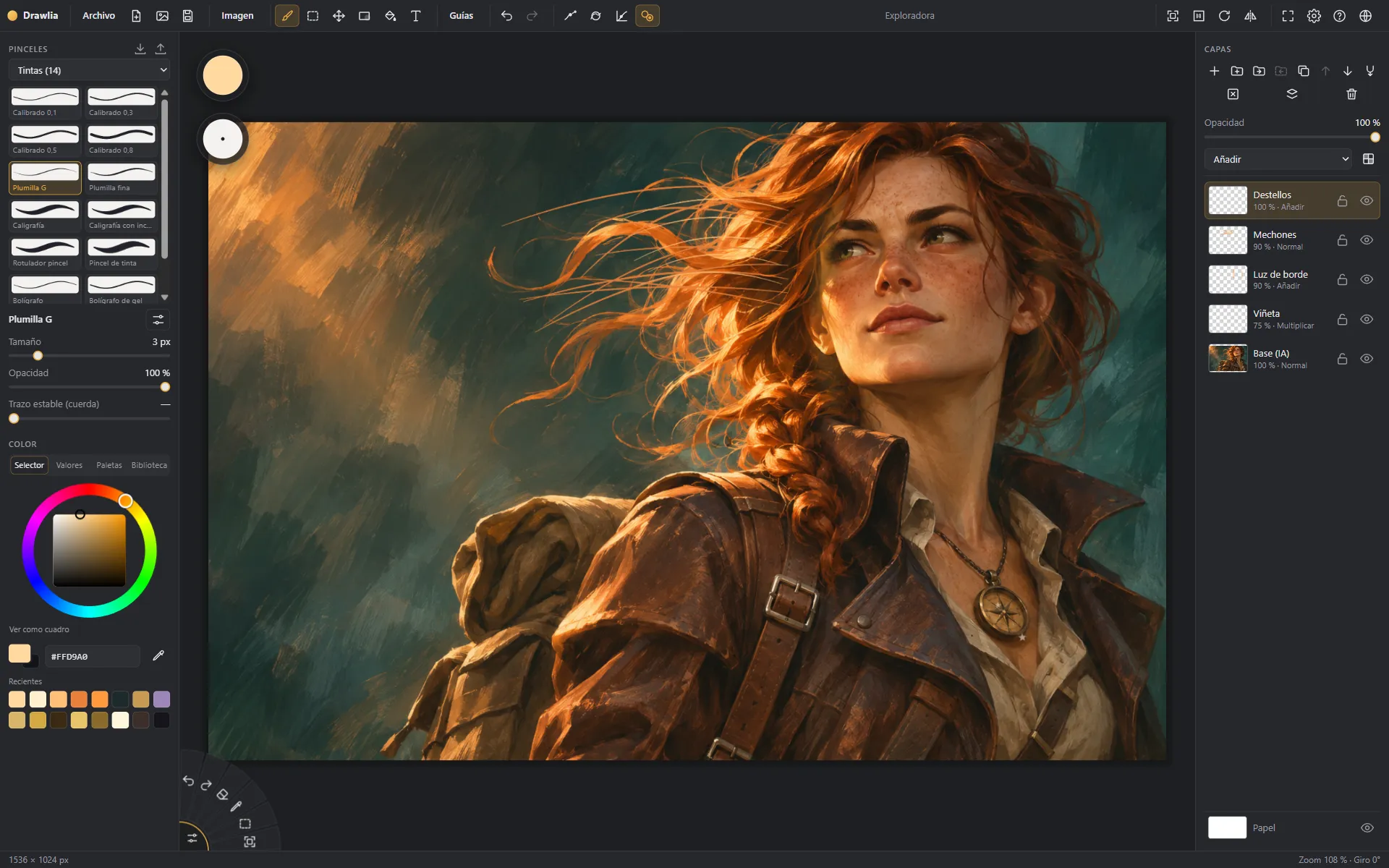
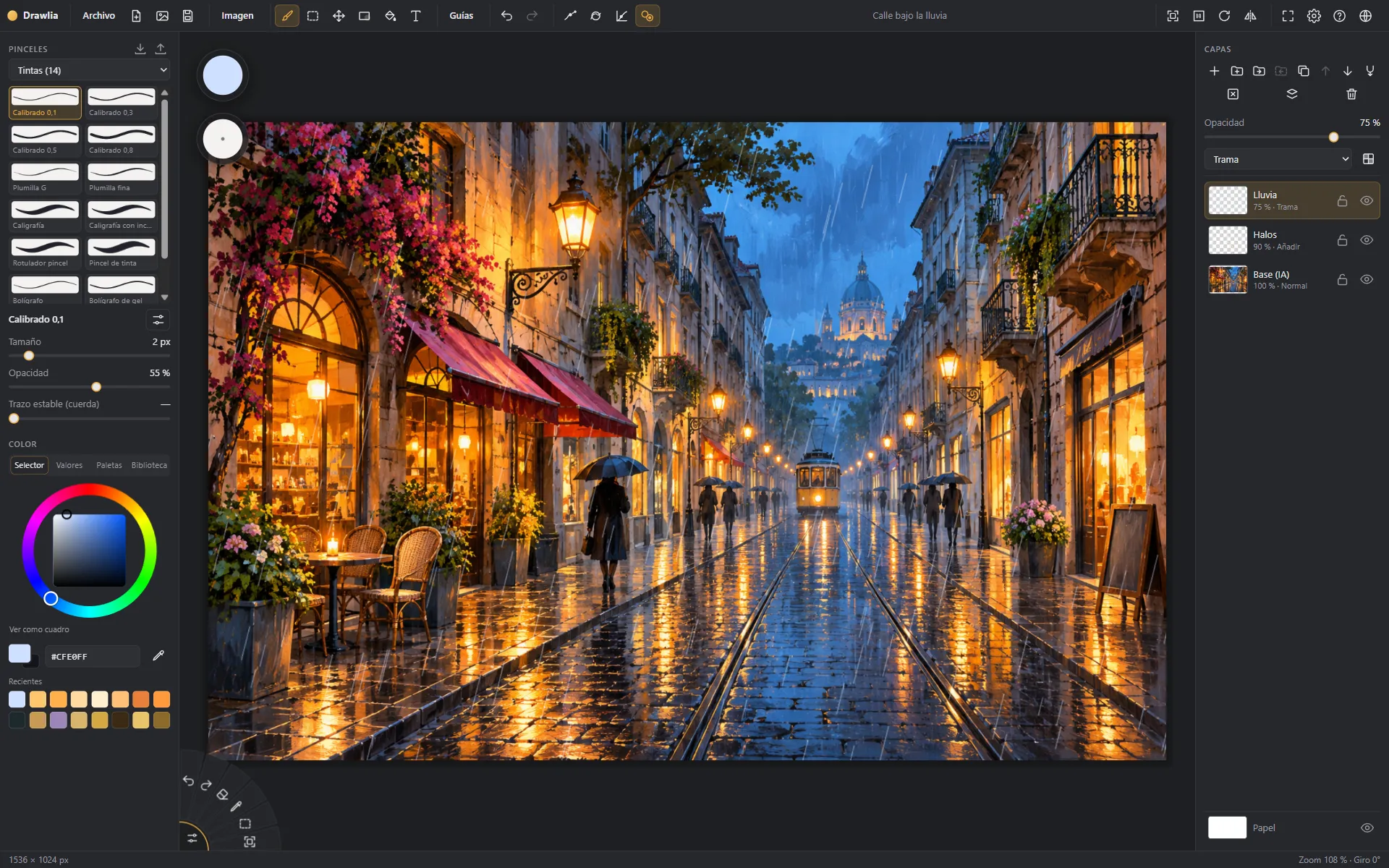
Sample illustrations: AI-generated base, retouched in Drawlia.
From sketch to painting
Under every painting there is a sketch. Move your mouse (or finger) over the valley to uncover it.
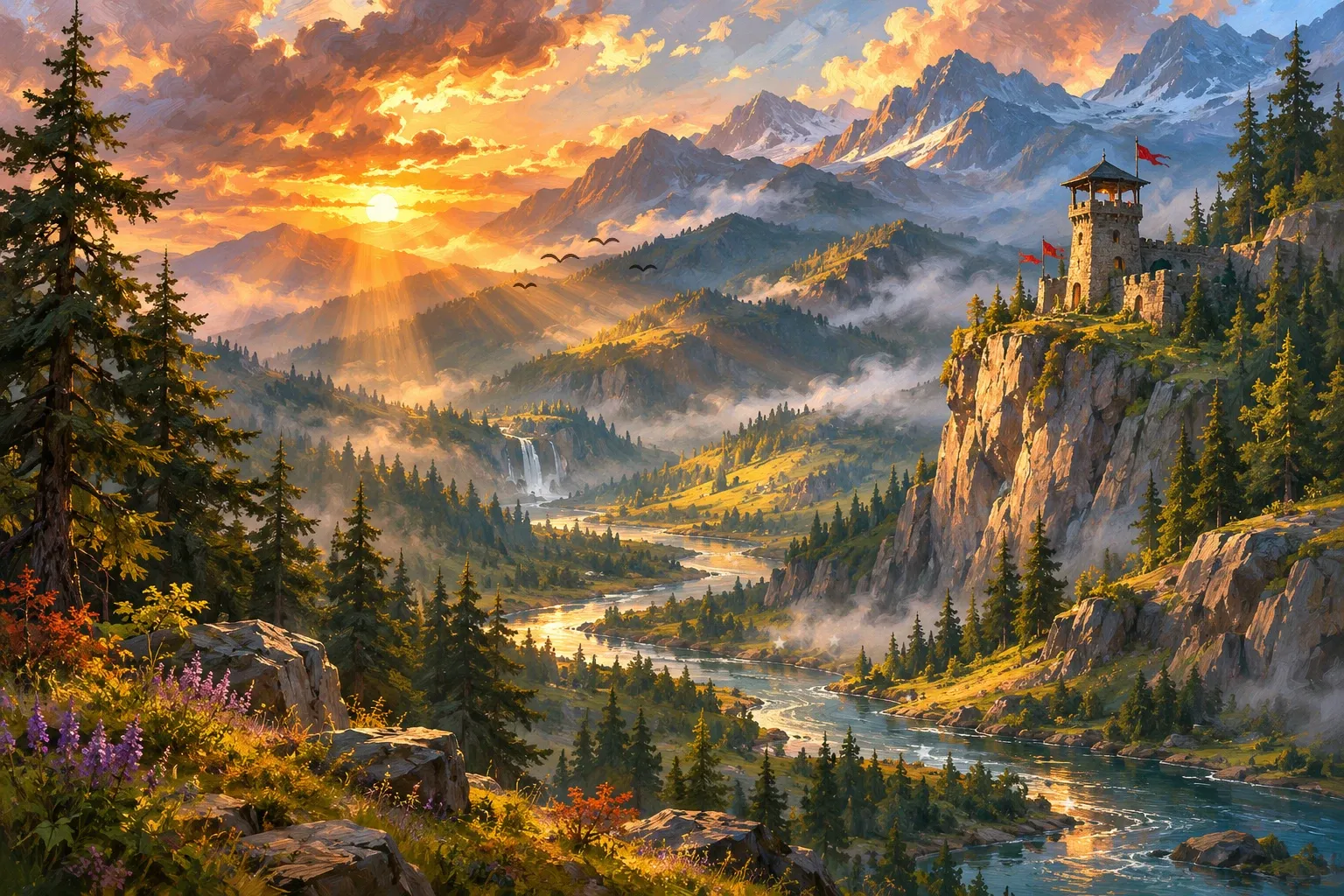
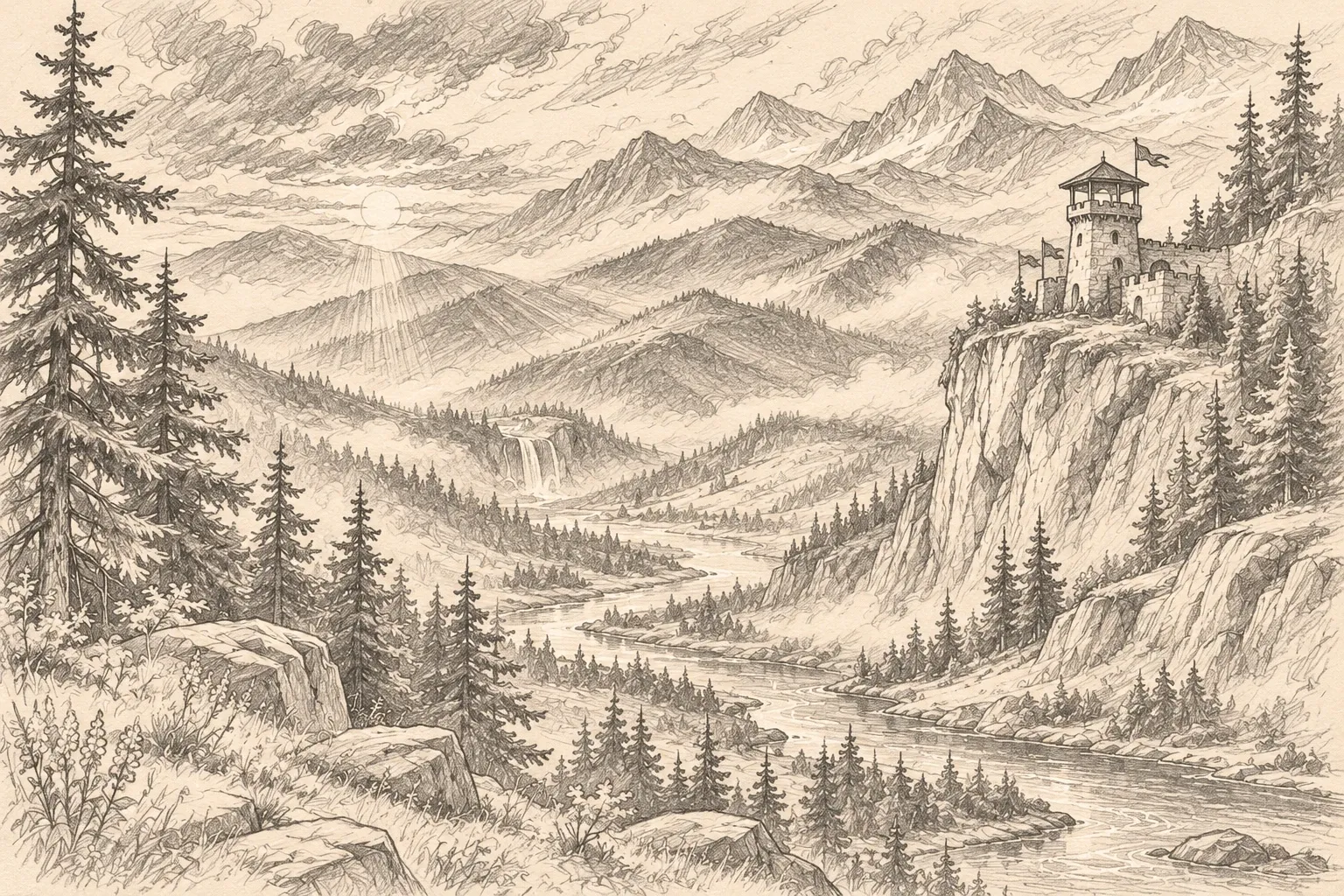
Sample illustration: the base and the sketch were AI-generated; the mist, lights and birds were painted in Drawlia.
Features
The tools of a professional app, without menus getting between you and your drawing.
Pencils, inks, markers, airbrushes, oil, watercolor, textures, blending and effects. Every brush is fully adjustable and you can save your own.
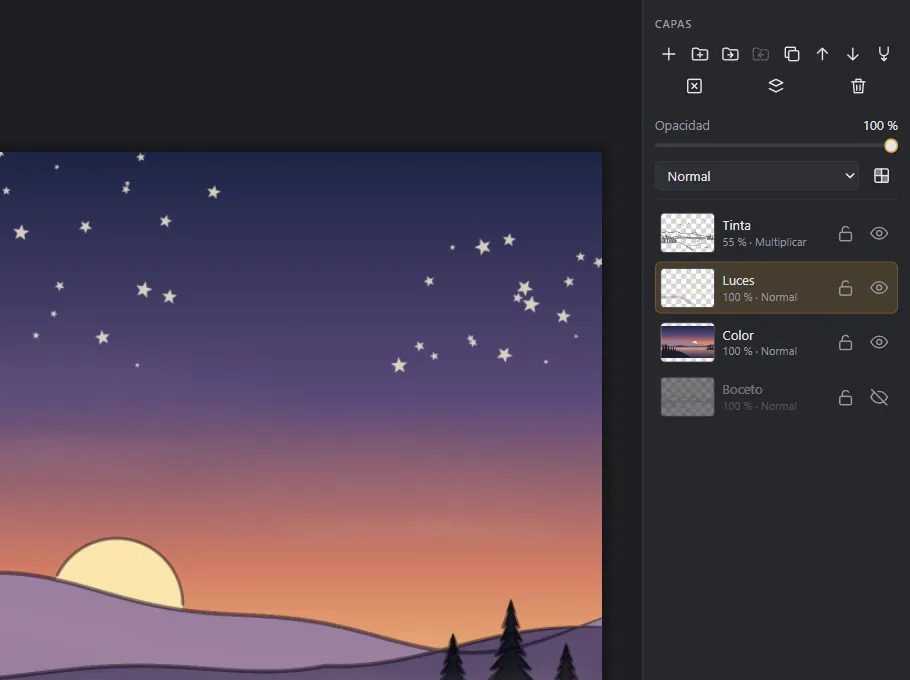
Groups, 17 blend modes, opacity and transparency lock. Drag to reorder and save as PSD with your layers intact.
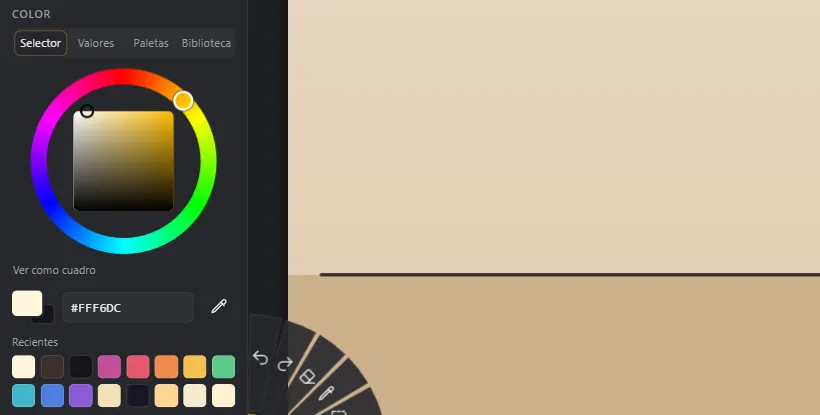
Wheel or square, HSB, RGB and HSL values, palettes, a color library and your recent colors. Alt + click picks a color from the canvas.
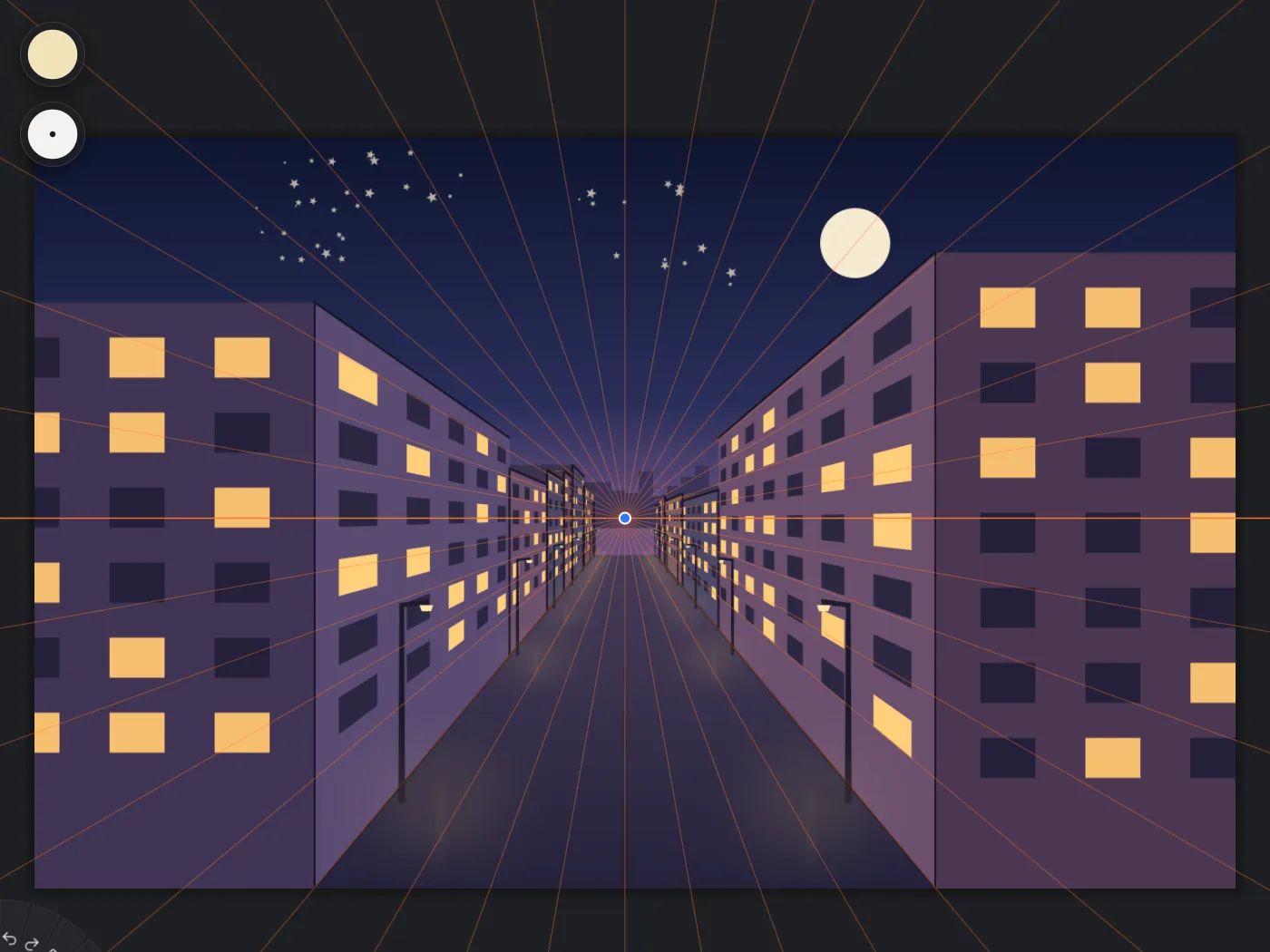
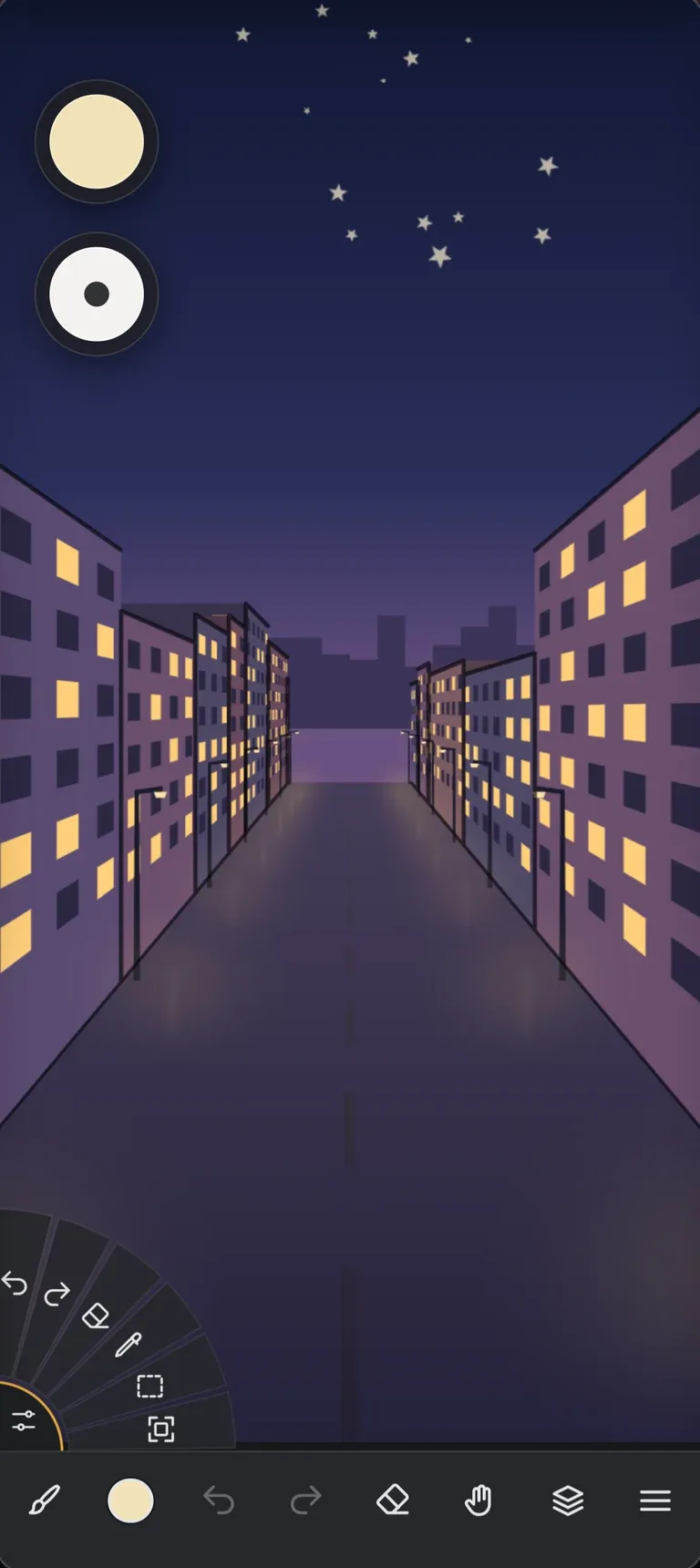
1, 2 and 3-point perspective and fisheye, plus ruler, ellipse and French curve. Your stroke snaps to the guide.
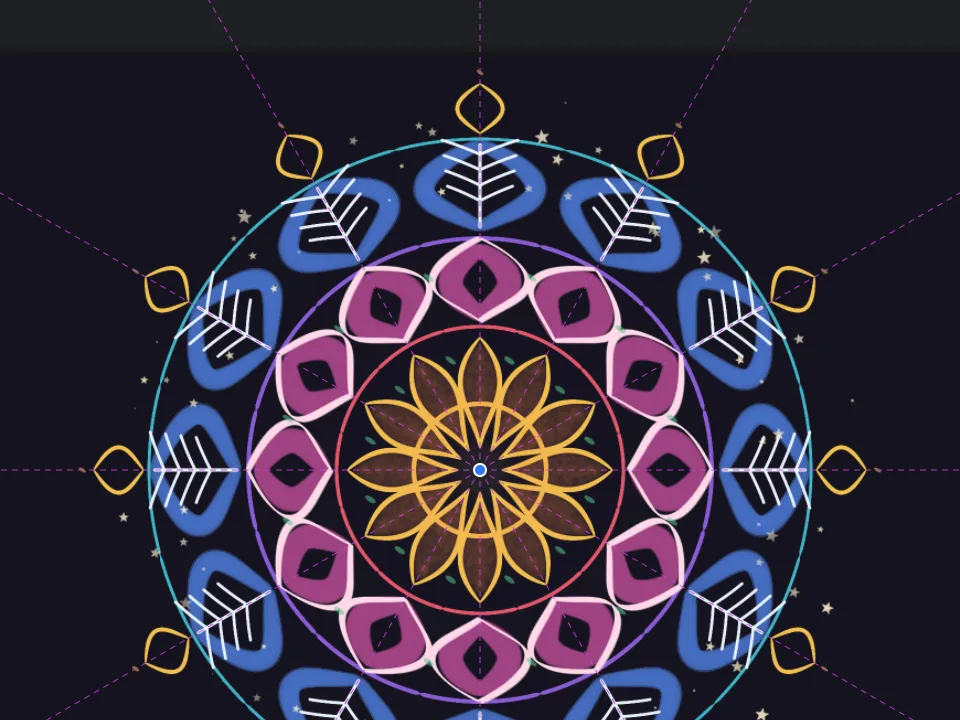
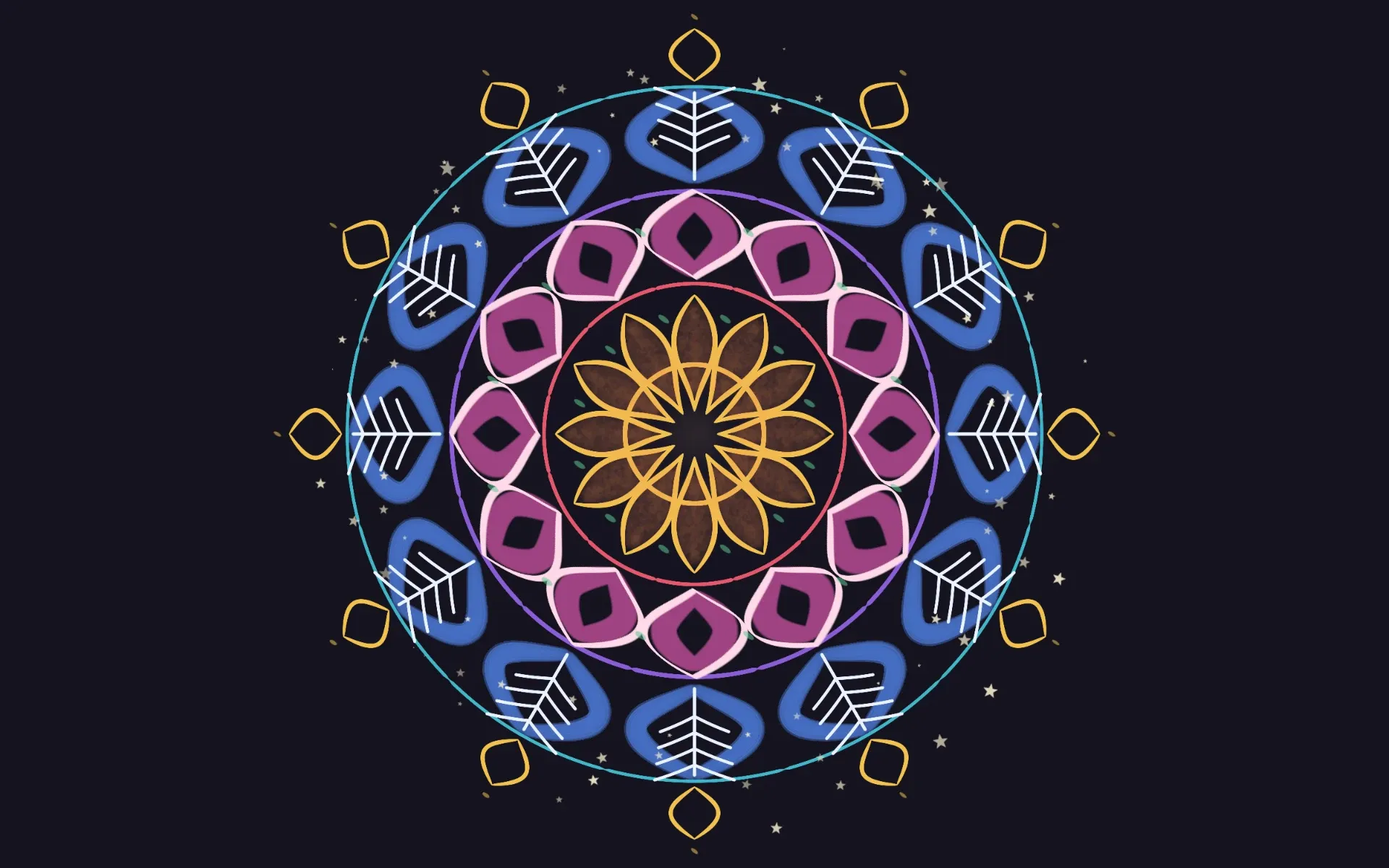
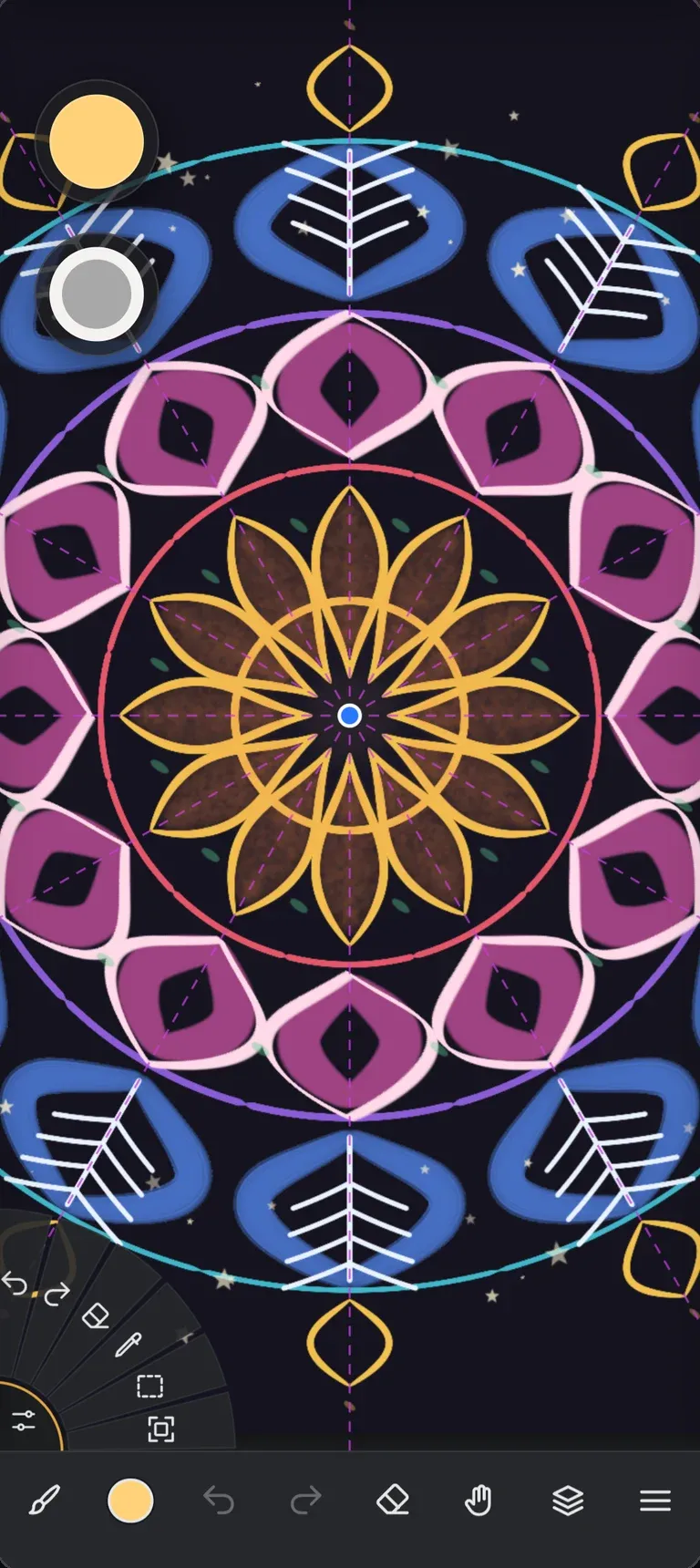
Horizontal, vertical, quad or radial with mirror. Draw one part and Drawlia completes the rest as you paint.
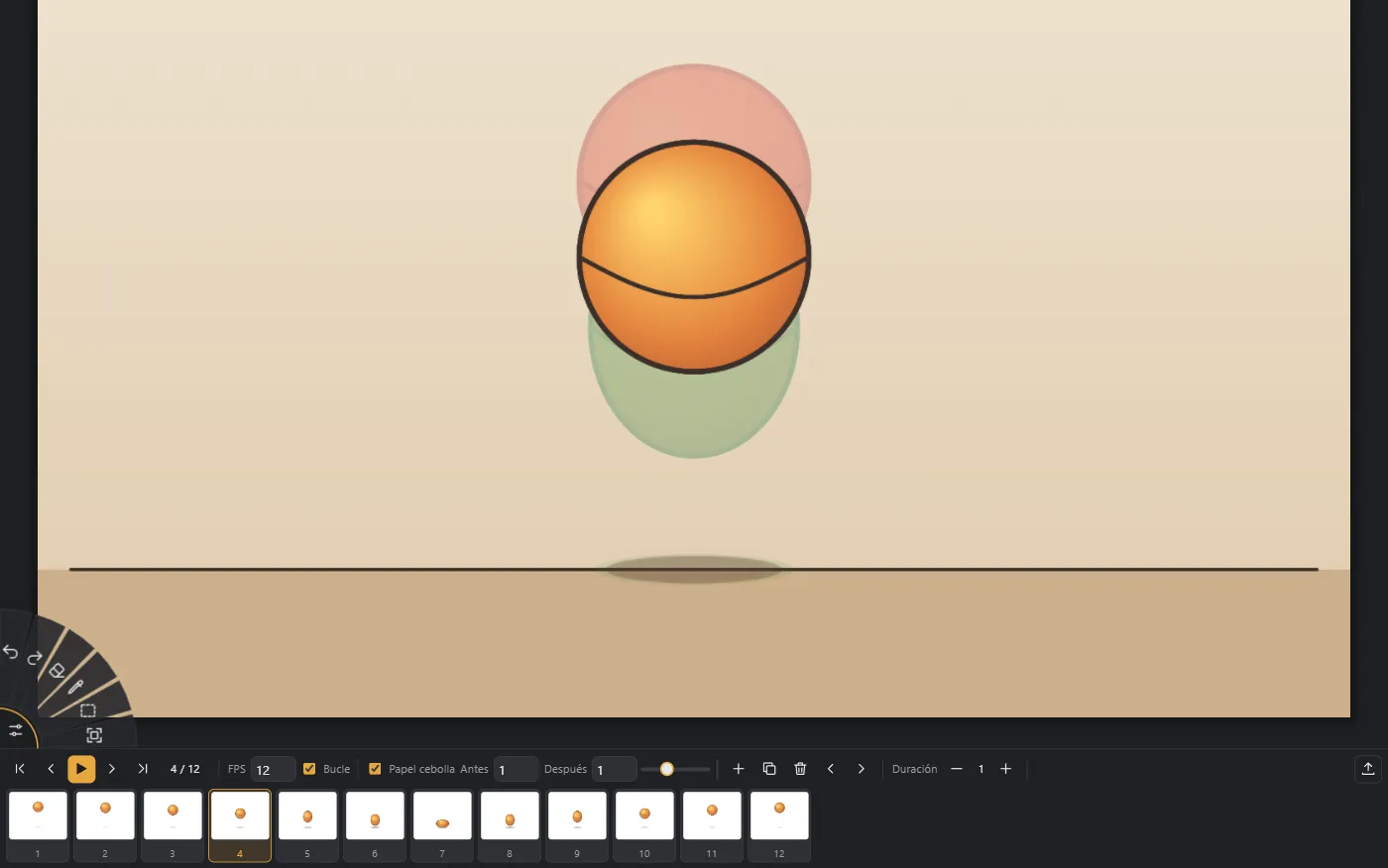
Frames with onion skin, fixed background and foreground, per-frame timing and export to GIF, MP4 or WebM.
Layers
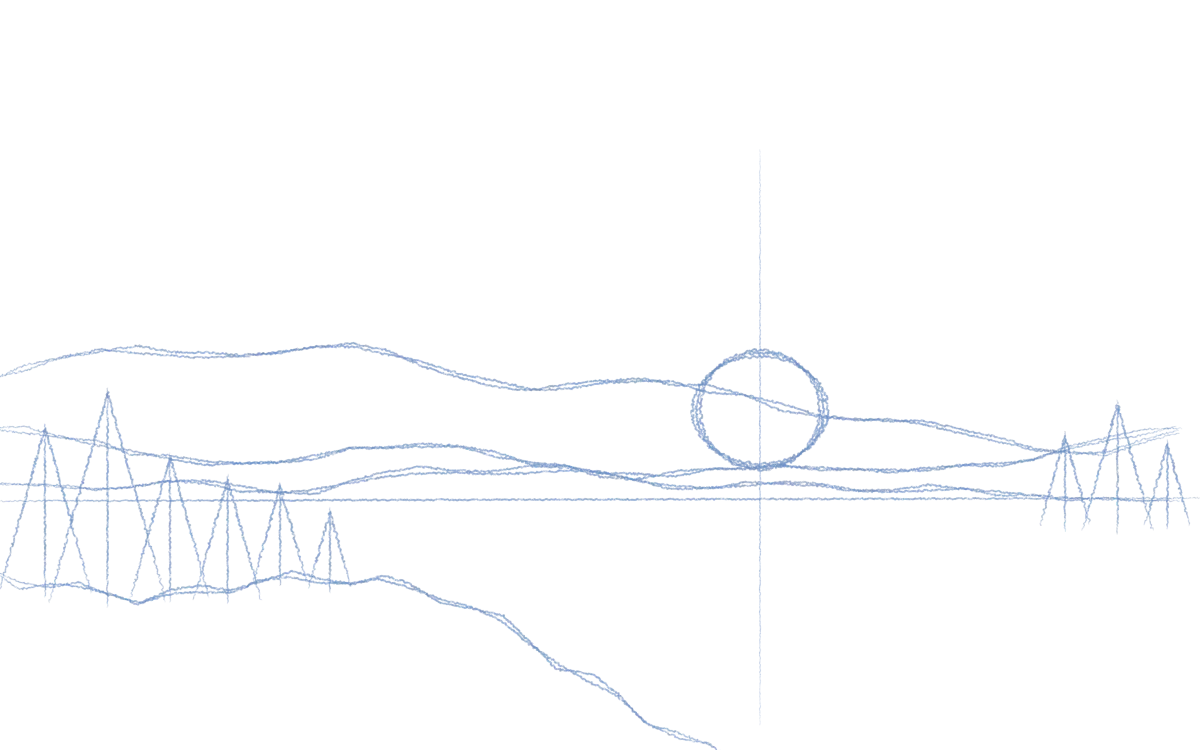
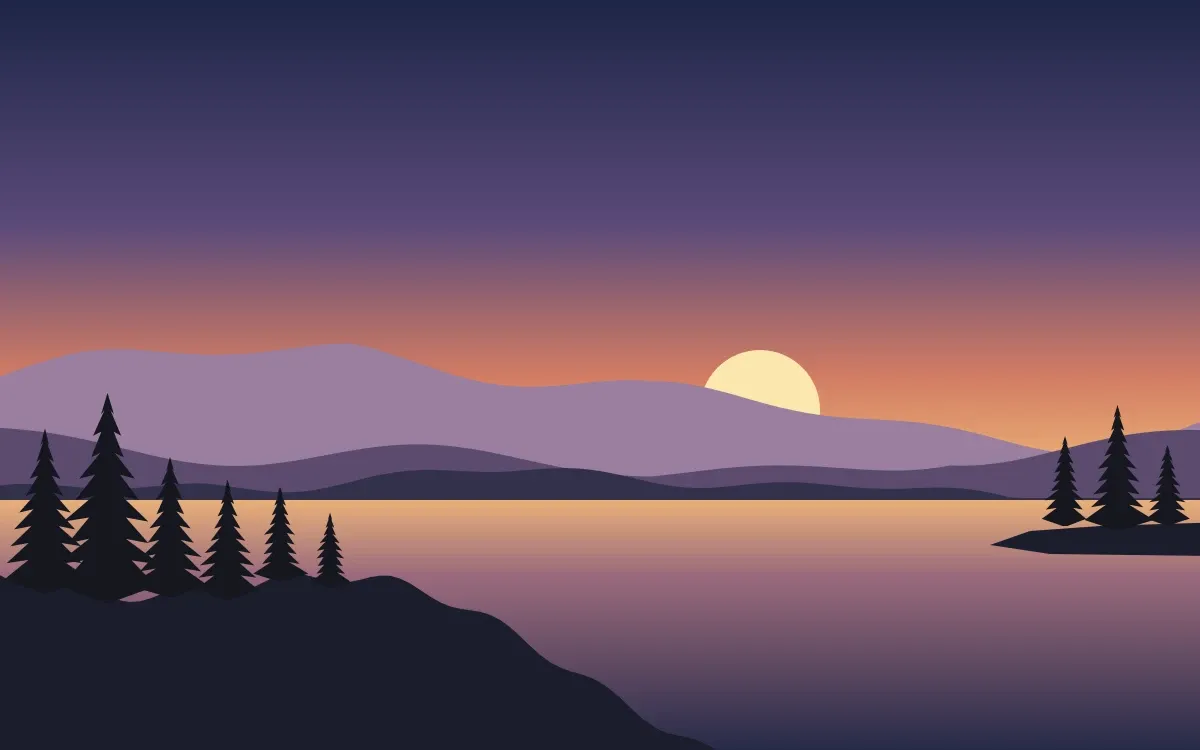
This is how this landscape, painted only with Drawlia, is built. Turn each layer on and off just like in the app’s panel.
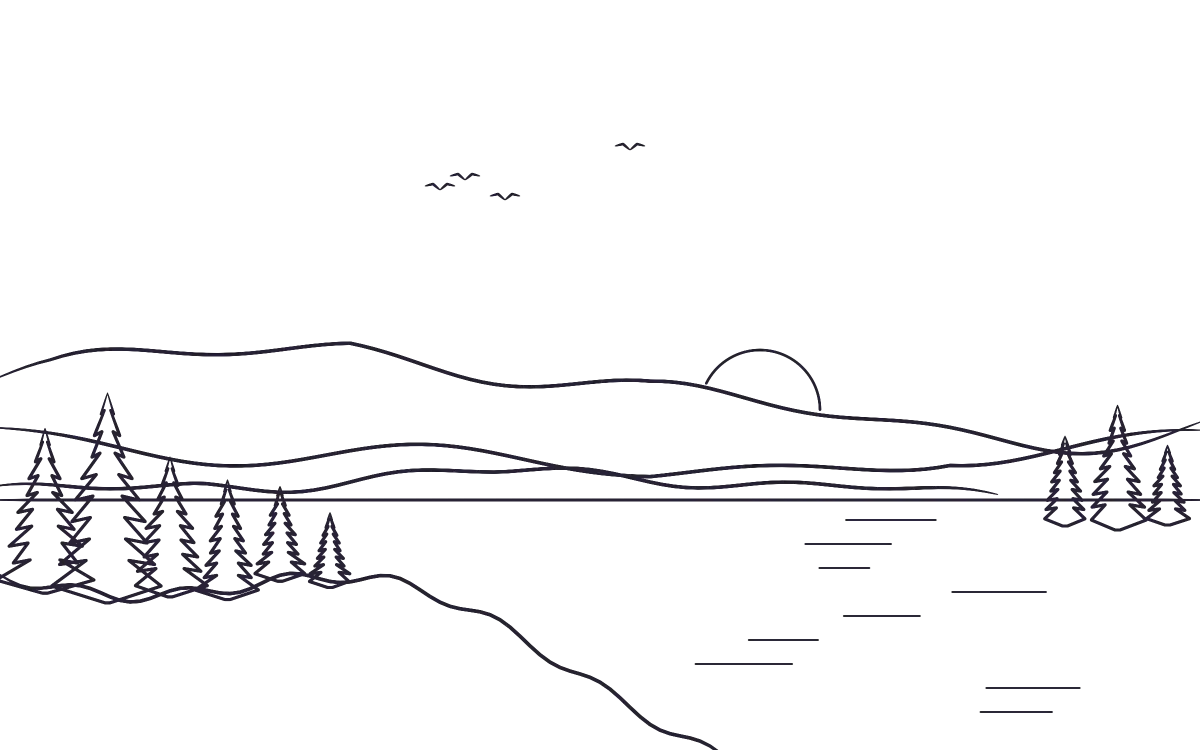
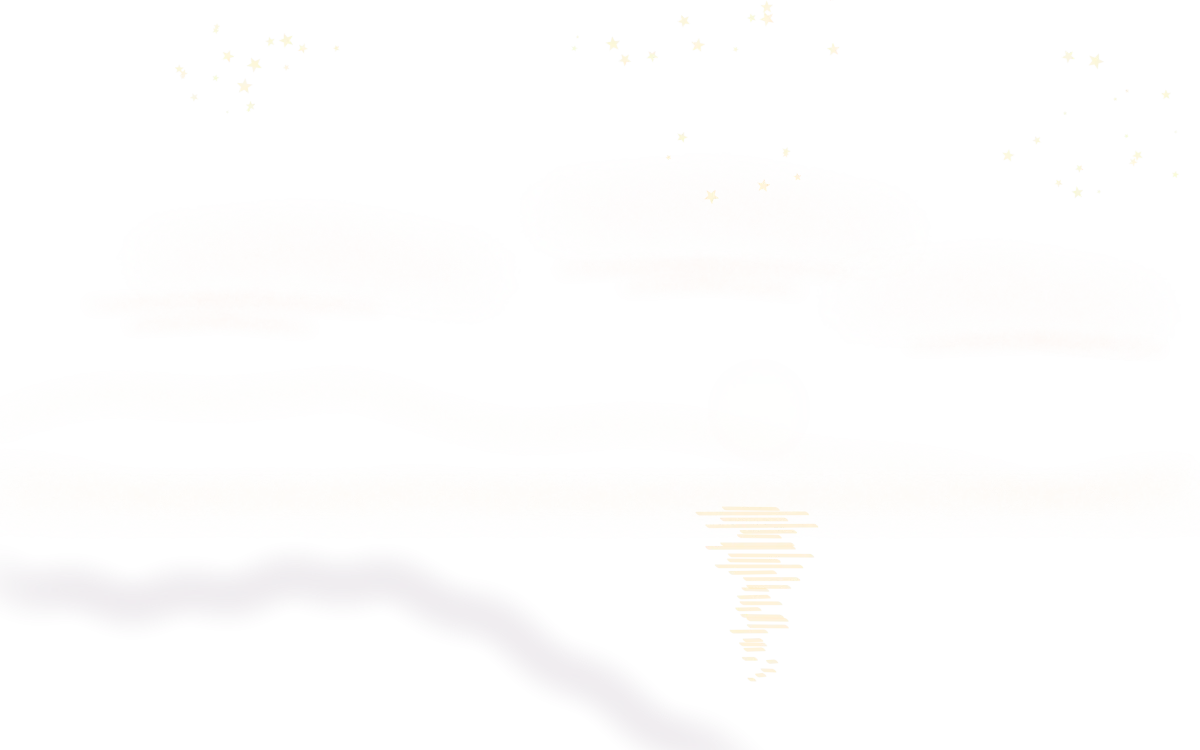
Sample illustrations
Open an image, add layers on top and retouch it with Drawlia’s brushes, lights and blend modes.
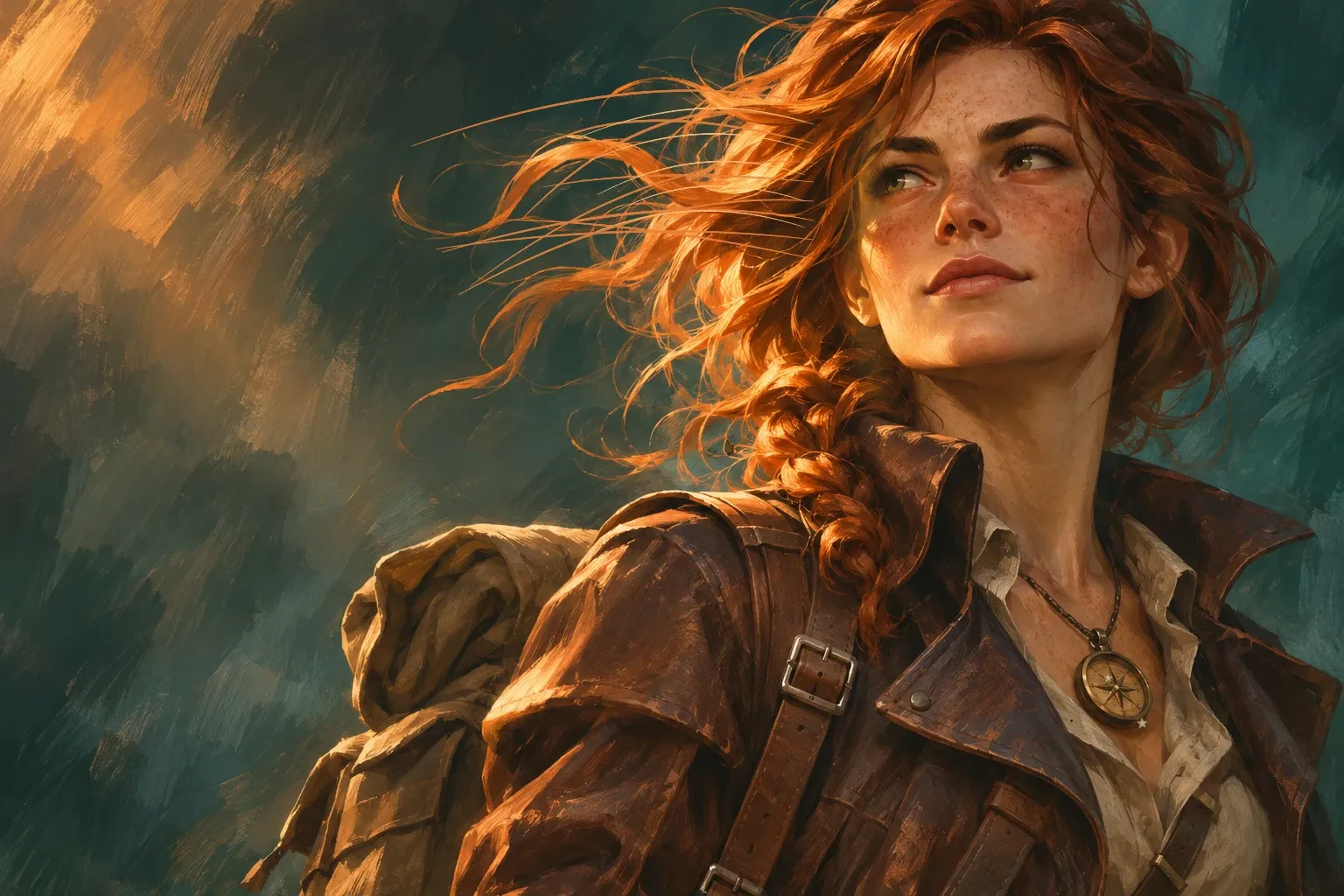
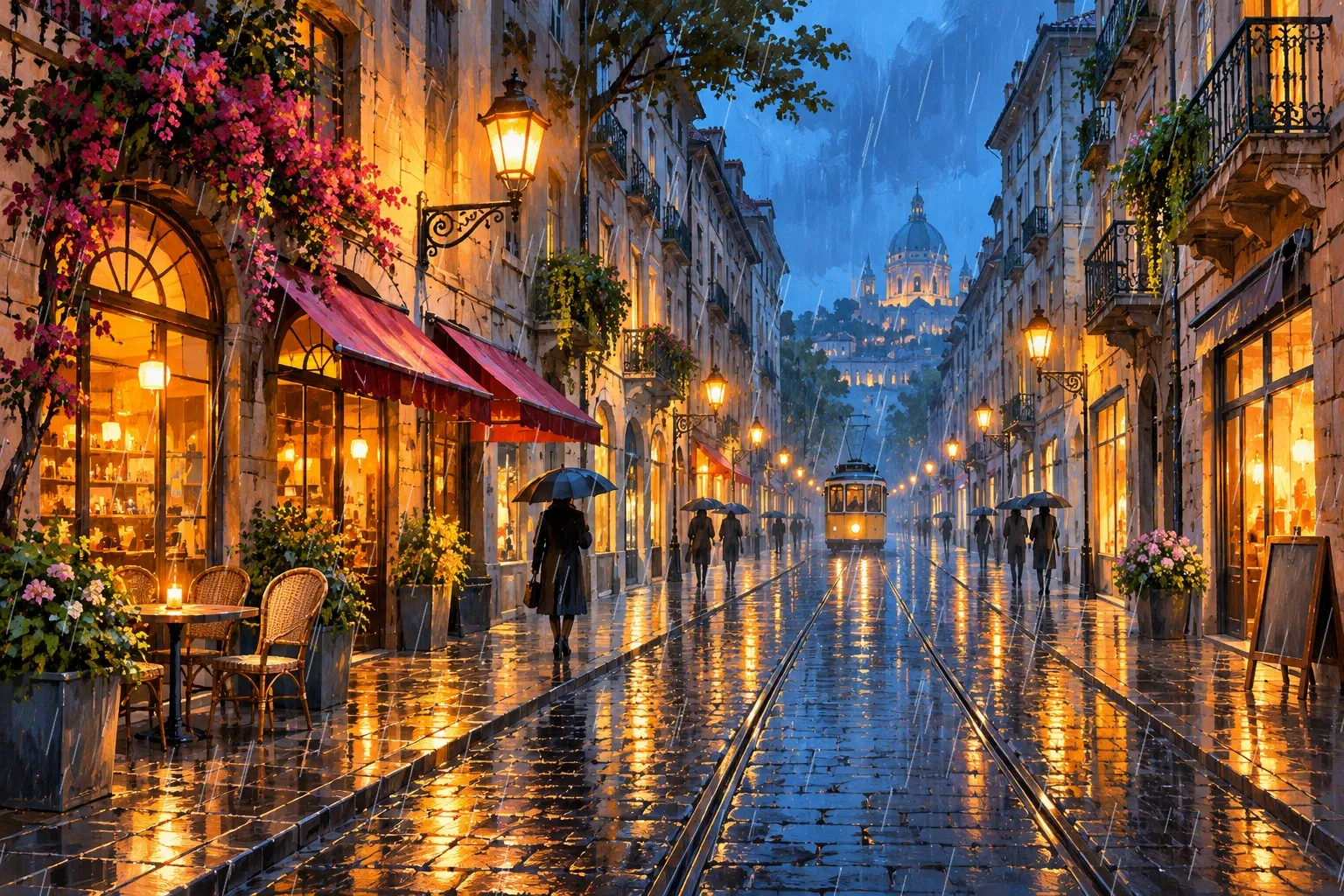
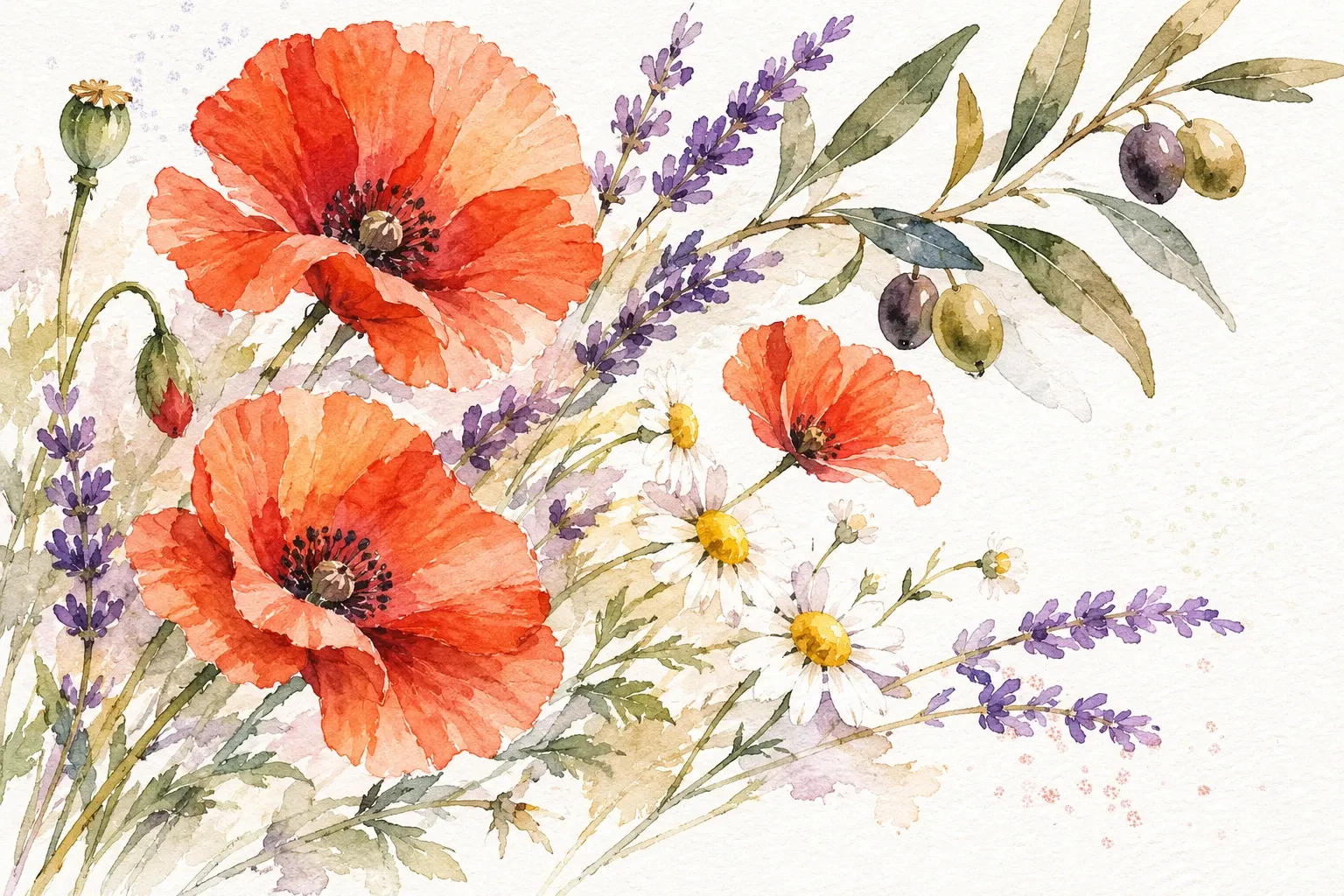
These sample illustrations have an AI-generated base and were retouched in Drawlia. Each one lists the layers painted in the app.
Brushes
One stroke per brush, exactly as it comes out of Drawlia: from mechanical pencil to oil brush, from spray to leaves and stars.
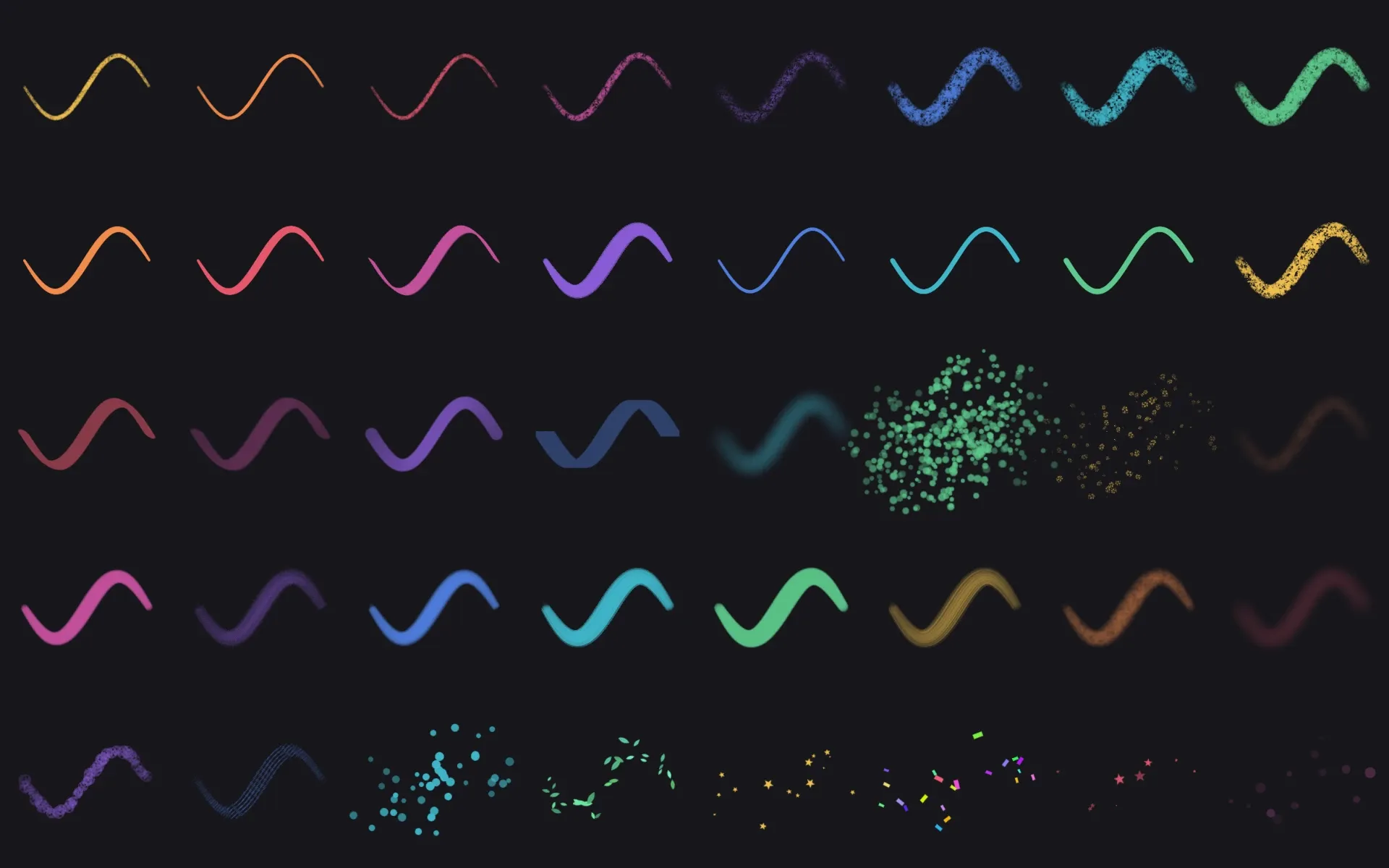
Gallery
Sample illustrations painted from start to finish with Drawlia’s brushes, guides and animation, no AI.
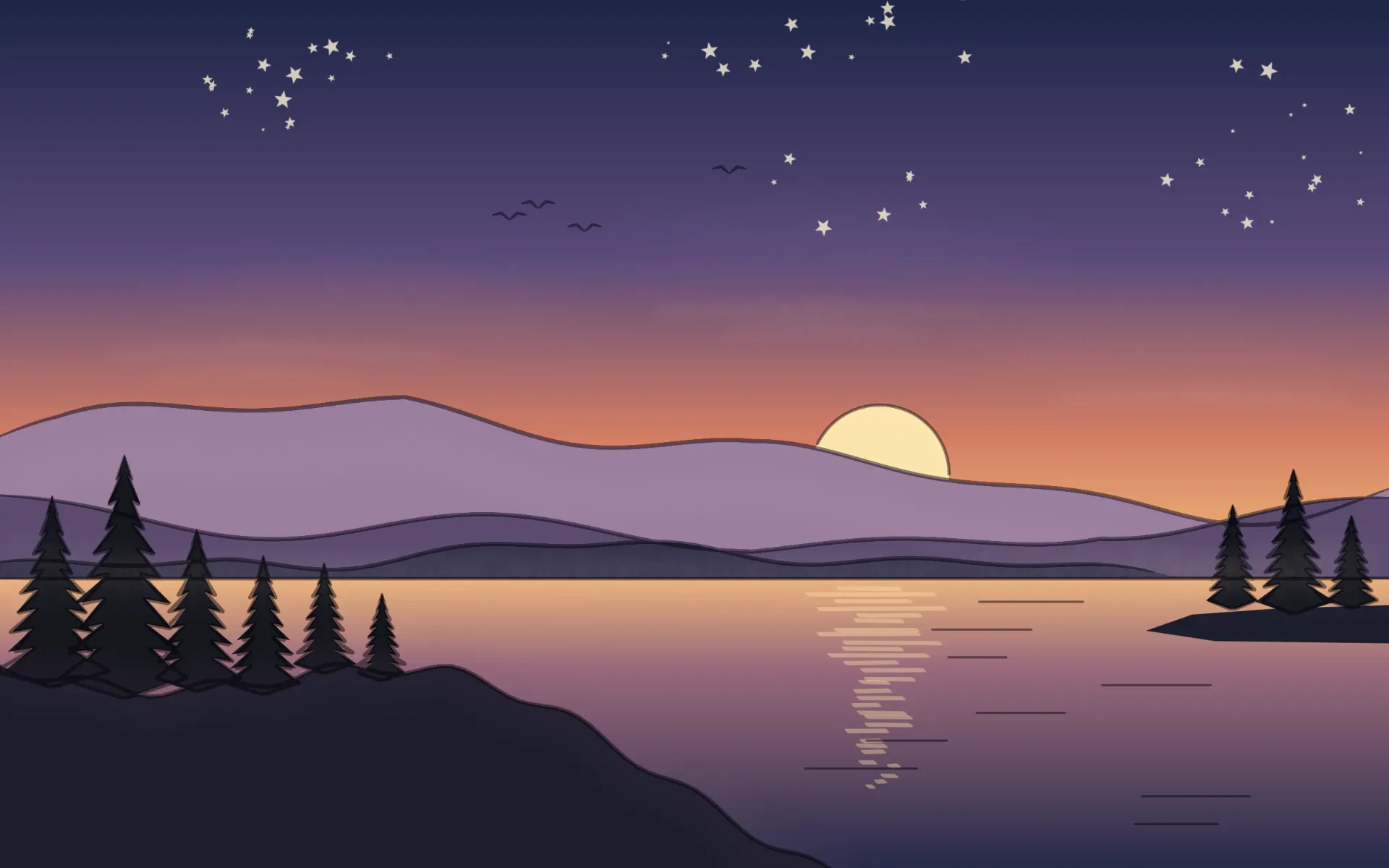
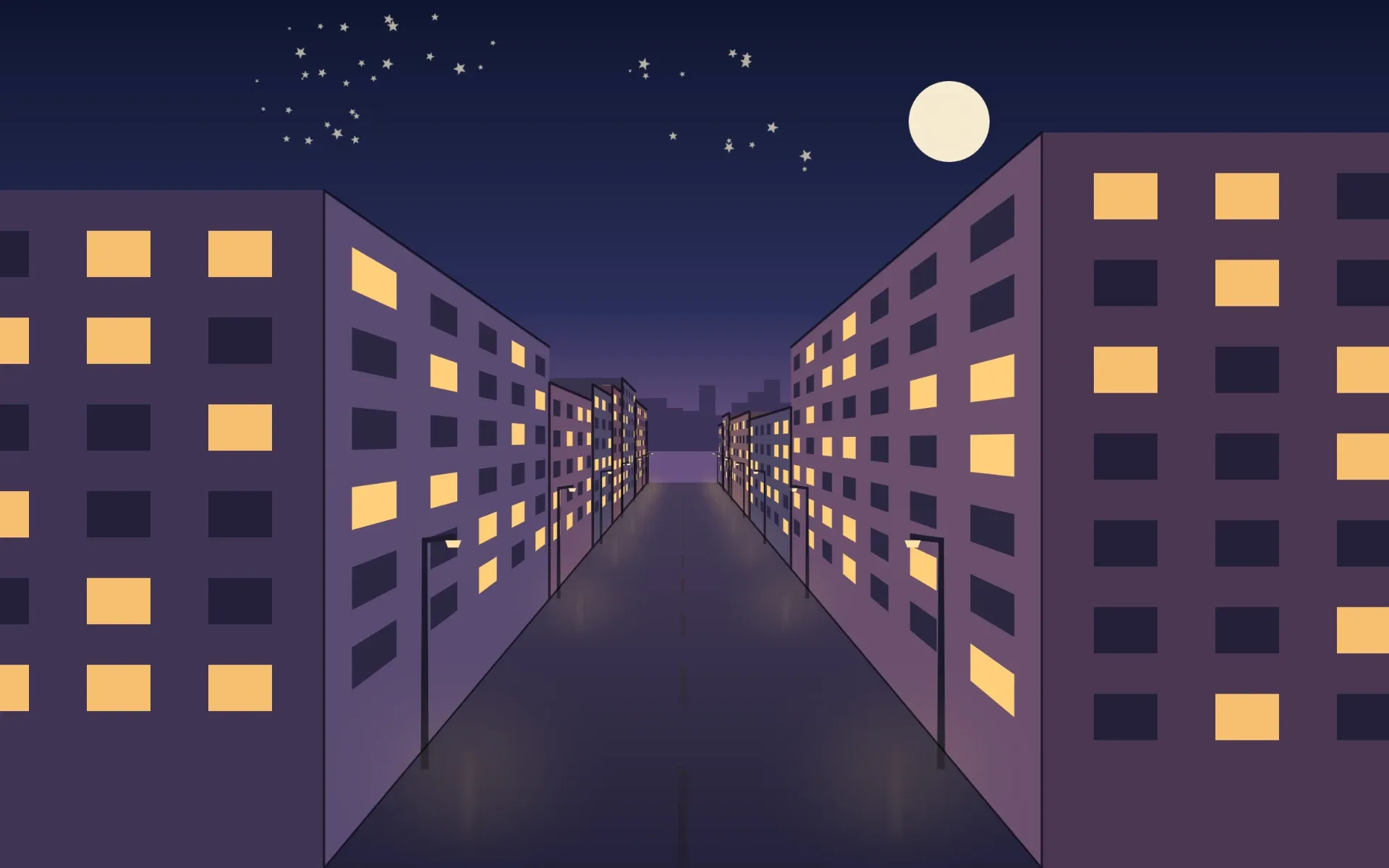
Do you draw with Drawlia? Write to us and we’ll show your work here. apps@ad2place-digital.com
Smooths your hand and turns lines, circles and arcs into clean shapes.
With your tablet or pen: the brush changes size and flow, with an adjustable curve.
With layers and groups. Also PNG, JPG, TIFF and BMP.
Record how you draw and export it as video or GIF.
Right click or pen button: drag towards the action and release.
Two fingers to pan, zoom and rotate; two-finger tap to undo.
Saves your work every minute and recovers it if something goes wrong.
The whole app, with dark or light theme and your own shortcuts.
Platforms
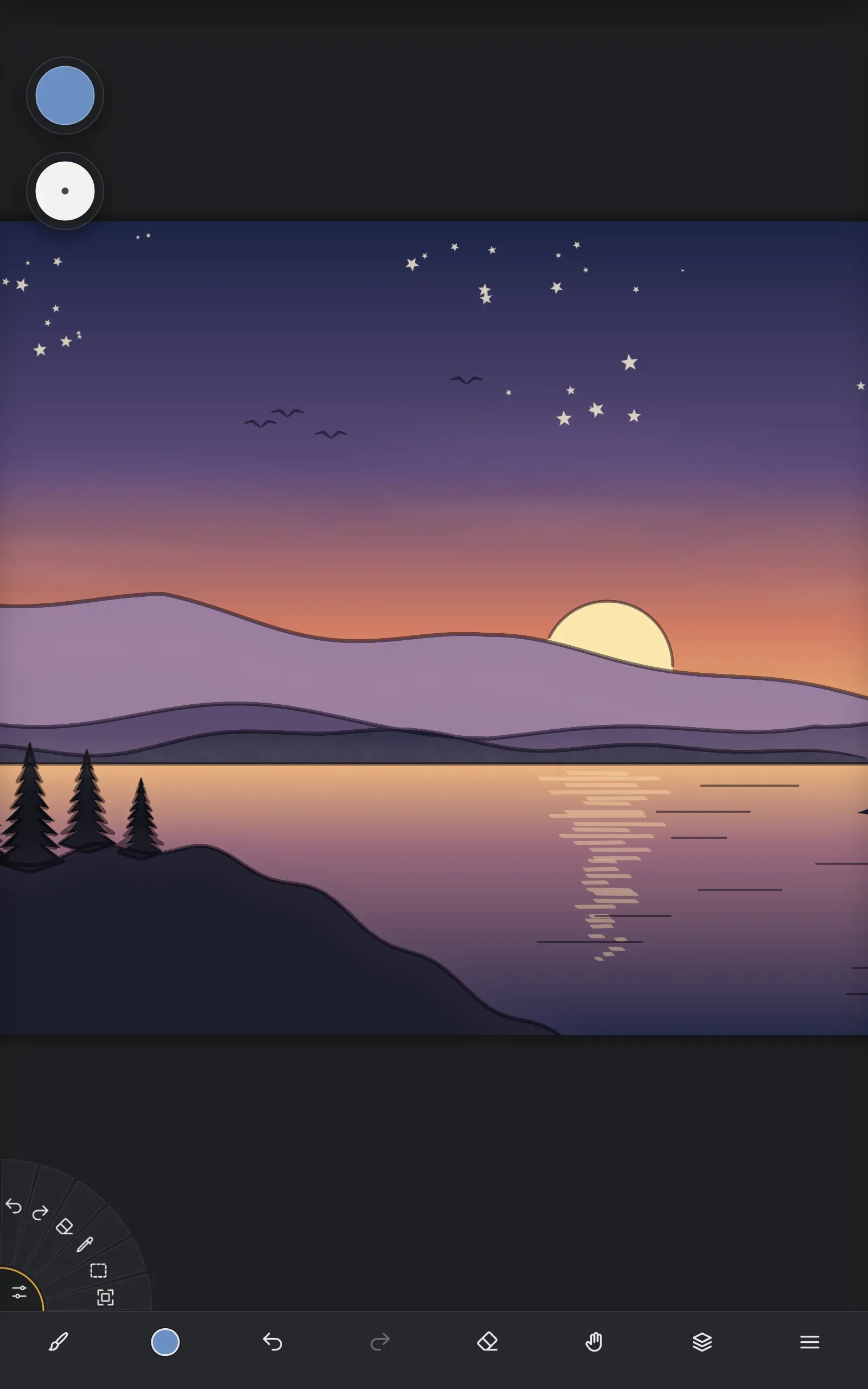
The same Drawlia on your computer, tablet and phone, with the same file format: start a drawing on your iPad and finish it on your PC.
Download
Leave us your email and start drawing. No account, no card.
Your download is starting.
Open the installer and follow the steps. The first time you open Drawlia you’ll get a one-minute tour.
FAQ
Yes. Drawlia is free, with no ads and no locked features. We may sell optional brush packs later, but the app will stay free.
No. We only ask for your email for the download. Your drawings stay on your computer.
Yes, with the tablets and pens your system recognizes (Wacom, Huion, XP-Pen, Surface and similar), with pressure and tilt.
Drawlia opens and saves 8-bit RGB PSD files with layers and groups. Photoshop layer effects and editable text are not kept.
For Mac, yes: macOS 12 or later, with Apple silicon or Intel. The iPhone, iPad and Android versions are on their way to their stores.
Yes. Everything you create with Drawlia is yours, including to sell.
We keep it for the download and, unless you opt out, to send you news now and then. We don’t sell or share it. You can unsubscribe from any of our emails or by writing to us.